
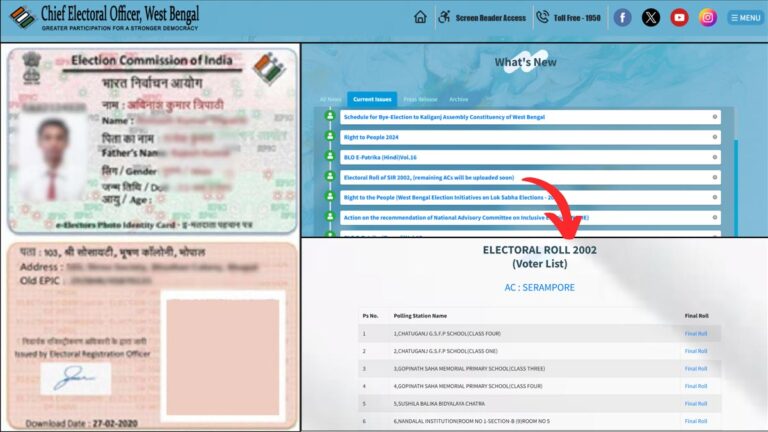
In West Bengal, electoral rolls have been periodically updated over the years, with the 2002 voter list recently drawing public attention amidst discussions of fresh revisions. If you want to check yours or your parents name on that list, now you can do it online.
The Chief Electoral Officer (CEO) of West Bengal has made it easier for citizens to verify their details in the 2002 voter list online through the official website, ceowestbengal.wb.gov.in.
You can not only check whether your name appears in the electoral roll but also download the voter list for your constituency online.
– ADVERTISEMENT –
– ADVERTISEMENT END –
In this article, you will get to know the steps on how to check the West Bengal 2002 voter list online. So let’s go through each of these steps in detail.
Steps to download and check West Bengal 2002 voter list
To download the 2002 voter list,
Step 1: Go to the official website
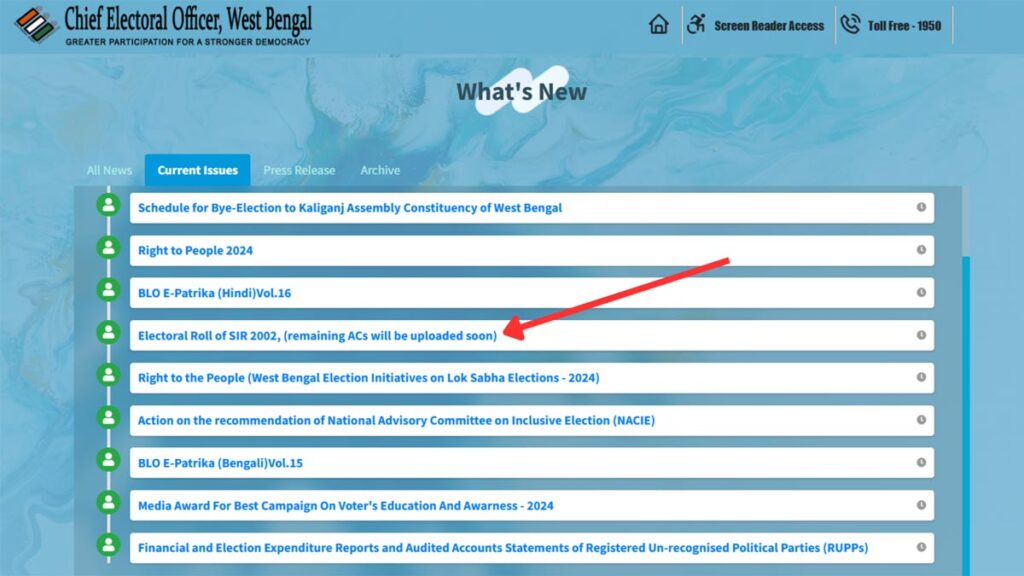
- First, go to the CEO West Bengal at ceowestbengal.nic.in.
- Next, on the homepage click on the “Electoral Roll of SIR 2002” option.
- A new page will open.
Step 2: Select your ‘Assembly Constinuency’
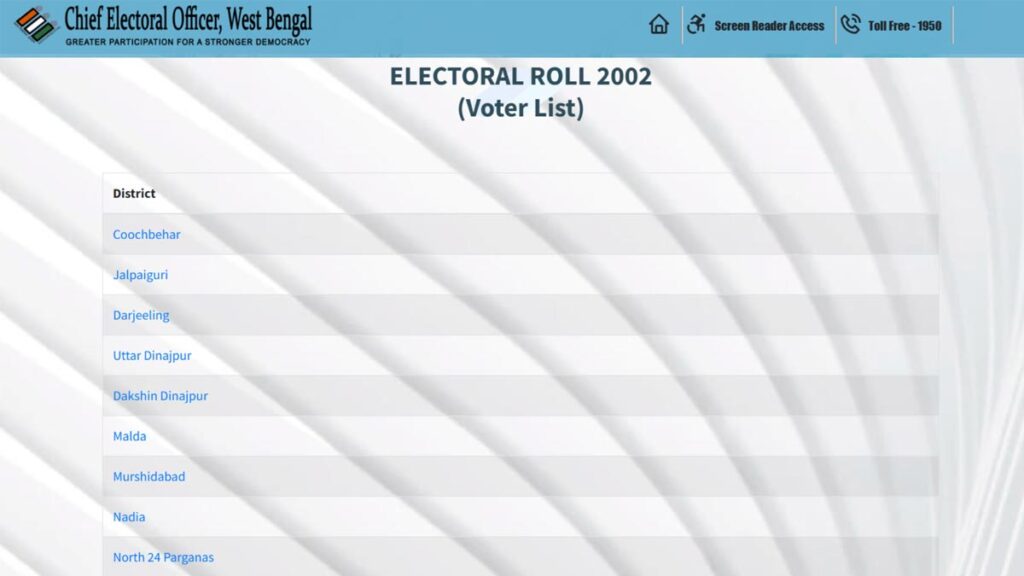
- Next, select the ‘District’ where you were a voter in 2002.
- Next, select the ‘Assembly Constituency’ where you were a voter in 2002.
- The list of all Polling Stations will be displayed.
– ADVERTISEMENT –
– ADVERTISEMENT END –
Step 3: Download the ‘2002 Electoral Roll (Voter List)’
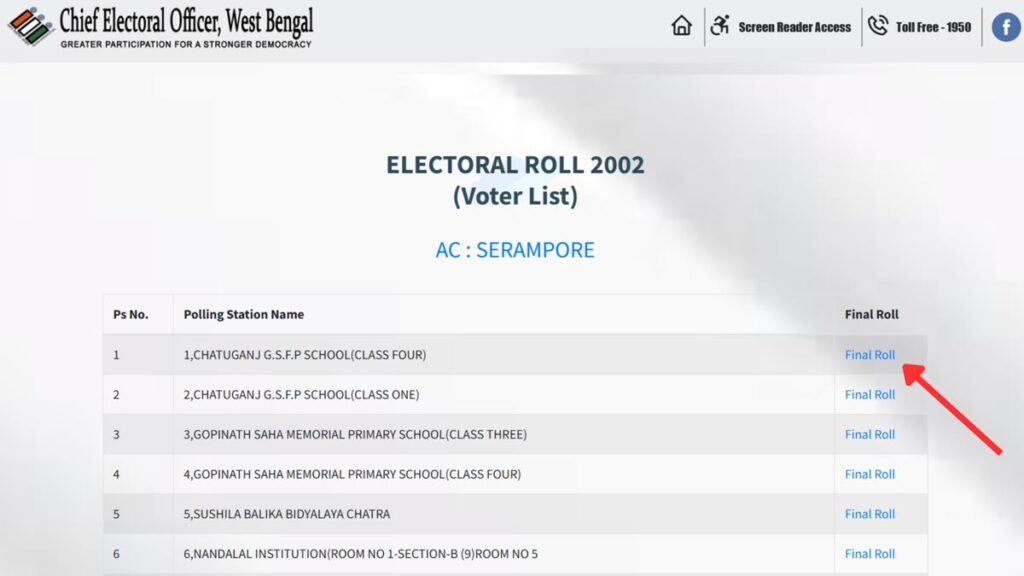
- Next, click on the ‘Final Roll’ option beside the name of the polling station were you were registered in 2002.
- Next, enter the captcha code.
- The voter list of the polling station will be displayed.
Step 4: Check (or search) your name
- You can now check and search for your name in the list.
- Your name, father/husband’s name and Voter ID number will be displayed.
By following these steps, you can easily download the West Bengal 2002 voter list and check your name online.