
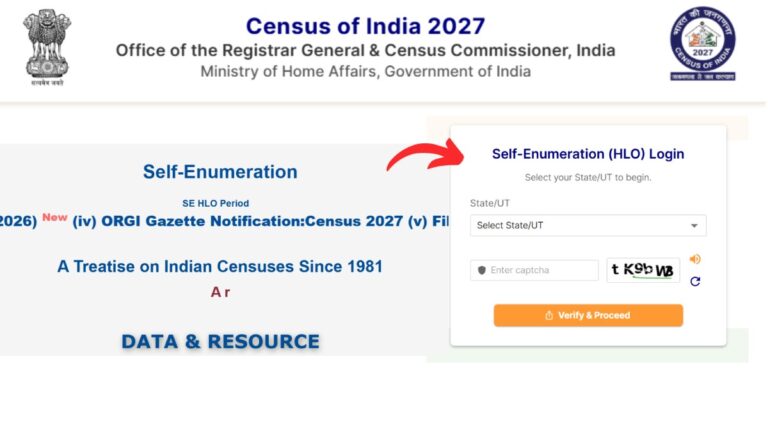
As census 2027 is about to begin, the Government of India has provided a Census Self-Enumeration process that allows citizens to register their household and housing details themselves.
You can complete this self-enumeration and generate your unique ID directly through the official Census portal.
– ADVERTISEMENT –
– ADVERTISEMENT END –
In this article, you will get to know the following points about the Census self-enumeration online,
- Details required
- Steps to complete Census self-enumeration online
Let’s see each of these points in detail.
Details required for Census Self-Enumeration Online
You need a active mobile number to start the Self-Enumeration process. This same number cannot be used for any other household.
Also enter the name of the head of the family correctly because this details cannot be changed later.
– ADVERTISEMENT –
– ADVERTISEMENT END –
Steps to complete Census self-enumeration online
To complete the Census self-enumeration process and generate SE ID,
Step 1: Go to the official Census portal
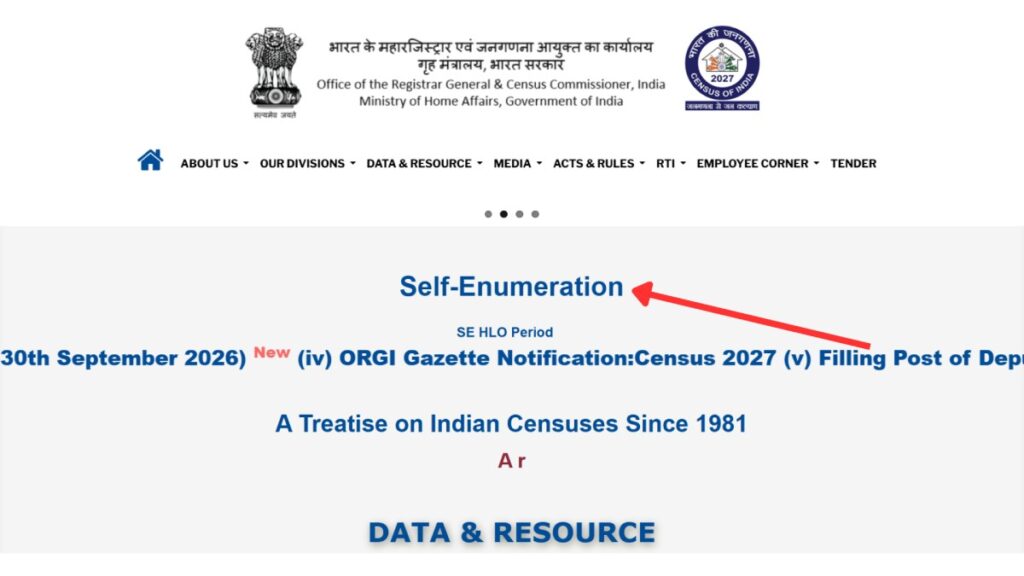
- First, go to the official Census portal at censusindia.gov.in.
- Next, click on the “Self Enumeretion” option.
- A new page will open.
Step 2: Verify number and login
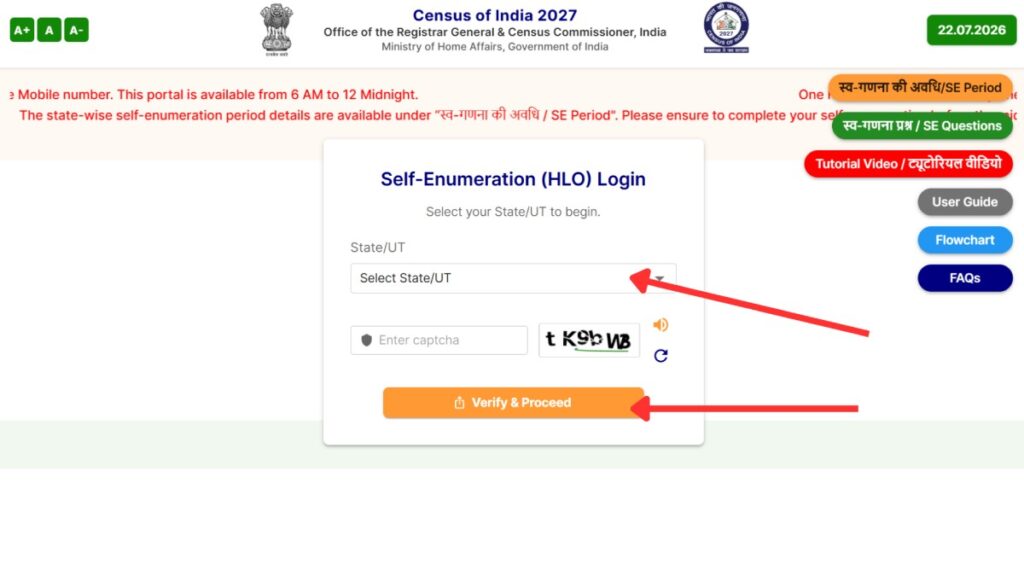
- Next, select your State or UT from the drop-down menu.
- Next, enter the captcha code correctly.
- Next, enter the name of the Head of the Household.
- Next, enter your mobile number and email ID.
- A verification page will appear in front of you.
- Next, select your preferred language.
- An OTP will be sent to your registered mobile number.
- Next, enter the OTP and click on the “Verify” button.
– ADVERTISEMENT –
– ADVERTISEMENT END –
Step 3: Confirm location
- The location details form will open up in front of you.
- Next, select your District.
- Next, enter your PIN code and Village, Town, or Locality.
- A map will appear in front of you.
- Next, drag the red marker on the map to pinpoint your exact residential building.
- Next, confirm your location.
Step 4: Fill out the questionnaire
- The house listing and housing census questionnaire will open up in front of you.
- Next, fill out the questionnaire using the tooltips and FAQs for help.
- Next, click on the preview option to check all your given information.
- Next, correct your details or save them as a draft if needed.
- Next, click on the ‘Final Submit’ button to lock your data.
- A unique 11-digit SE ID starting with “H” will be generated in front of you.
- You will also receive this SE ID on your mobile number via SMS and email.
– ADVERTISEMENT –
– ADVERTISEMENT END –
Step 5: Give SE ID to Census Enumerator
- A Census Enumerator will visit your house on a specific date.
- Next, share your generated SE ID with the enumerator.
- If your SE ID matches their existing records, your details will be confirmed and submitted.
- If it does not match, the enumerator will collect your data again.
By following these steps you can easily complete your Census self-enumeration online.